Etsy Just Changed Its AI Rules. Here’s What It Means If You Sell Digital Prints
I was halfway through a perfectly normal day when Etsy dropped an article titled “Important updates to AI use on Etsy.”
If you sell digital prints made with AI, that headline hits a little different.
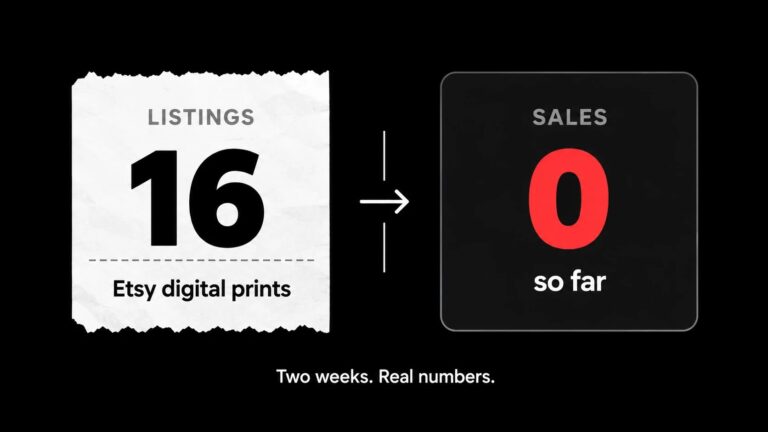
I recently wrote about starting an Etsy shop selling AI-made printable wall art. Two weeks of work. A couple dozen listings. Zero sales, but a shop I was actually proud of.
So naturally, my first thought reading the update was:
“Well. That was fun while it lasted.”
My second thought, about 20 minutes and one very careful read of the actual policy later:
“Oh. We’re fine. But I should probably change a few things.”
Here’s what the new Etsy AI policy actually says, what it means for digital print sellers, and the exact changes I made to every listing.
What Etsy Actually Changed
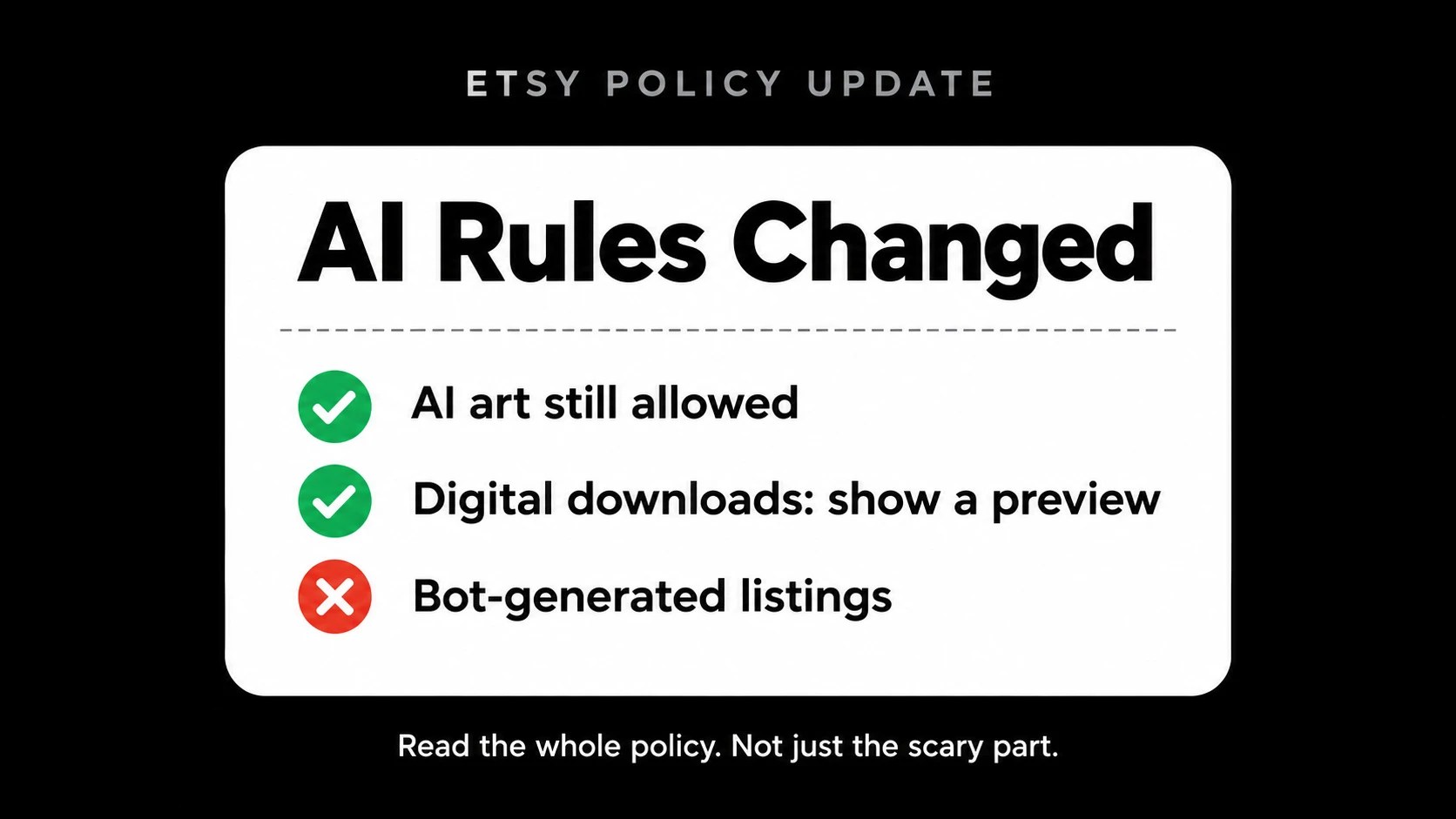
Etsy published the new Etsy AI policy on October 22, 2026, alongside a rewritten Listing Image Requirements policy. The short version:
- Most listings now need at least one unedited photo of the actual item against a real background. No filters, no AI, no touch-ups on that one photo.
- All photos must accurately represent what the buyer gets. No hiding flaws or making an item look different than it is.
- AI-generated “functional guides” are banned. Think patterns, recipes and instructions written by AI.
- Bot-generated listings with no human involvement are banned. Those listings get removed, and the shop can be removed too.
- Buyers can now report listings for misleading AI imagery.
- If your photos don’t match what a buyer receives and they open a case, you may be on the hook for the refund.
Etsy says this is a “starting point, not the finish line,” which is corporate for “more rules are probably coming.”
The Line That Made Me Panic
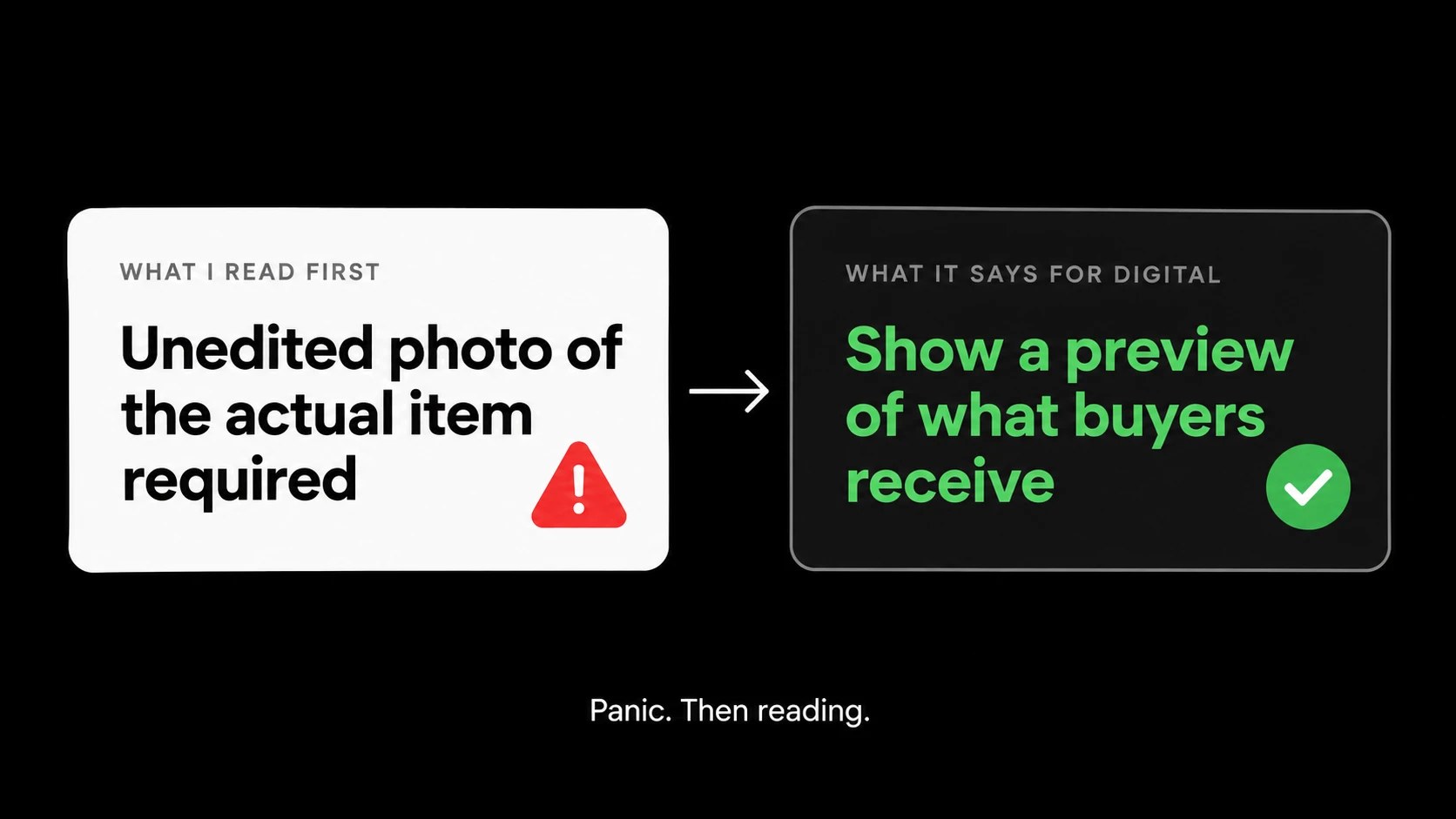
“Your listing must include at least one unedited photo of the actual item against a real background.”
I sell digital downloads.
There is no actual item. There is a ZIP file.
What am I supposed to do, take a photo of my laptop against a real background? Print the art, frame it, hang it on my wall and take a picture? (I’ll be honest, I briefly considered it.)
This is the part where most people would close the tab and start writing an angry forum post.
Instead I did something wildly unpopular on the internet. I read the rest of the policy.
Digital Downloads Play by Different Rules
Buried in the “Rules by Product Type” section is the part that matters for us:
Digital downloads should include a visual preview or excerpt of the content buyers will receive.
That’s it. No unedited real-world photo required. Etsy even allows representative imagery for digital items with no visual element, like audio files.
So for printable wall art, the requirement is basically: show buyers the actual artwork they’re downloading.
Which, if you think about it, is completely fair.
Can You Still Sell AI Art on Etsy?
Yes.
This was my biggest question, and Etsy answered it directly in their FAQ. AI-generated art is still allowed when the seller plays a clear creative role and is transparent about the process. Their own example is art created from a seller’s original prompt and produced with an AI generator.
What you can’t do:
- Pretend AI work is handmade or entirely your own creation
- Skip the AI disclosure
- Let a bot crank out listings with zero human involvement
The bot rule is the one I’d pay the most attention to. The key phrase is “without any human involvement.” It’s aimed at listing mills pumping out hundreds of auto-generated products, not someone choosing their own art, writing their own direction and approving every listing.
But Etsy didn’t draw an exact line on where “AI-assisted” ends and “bot-generated” begins. So I’m treating it like a speed limit sign in a school zone. Technically I’m under it. I’m still slowing down.
The 3 Changes I Made to Every Listing
Even though my shop was technically compliant with the Etsy AI policy, “technically compliant” is not a great place to live when a policy is brand new and enforcement is ramping up.
So I made three changes.
1. Added a “What You’ll Receive” preview to every listing
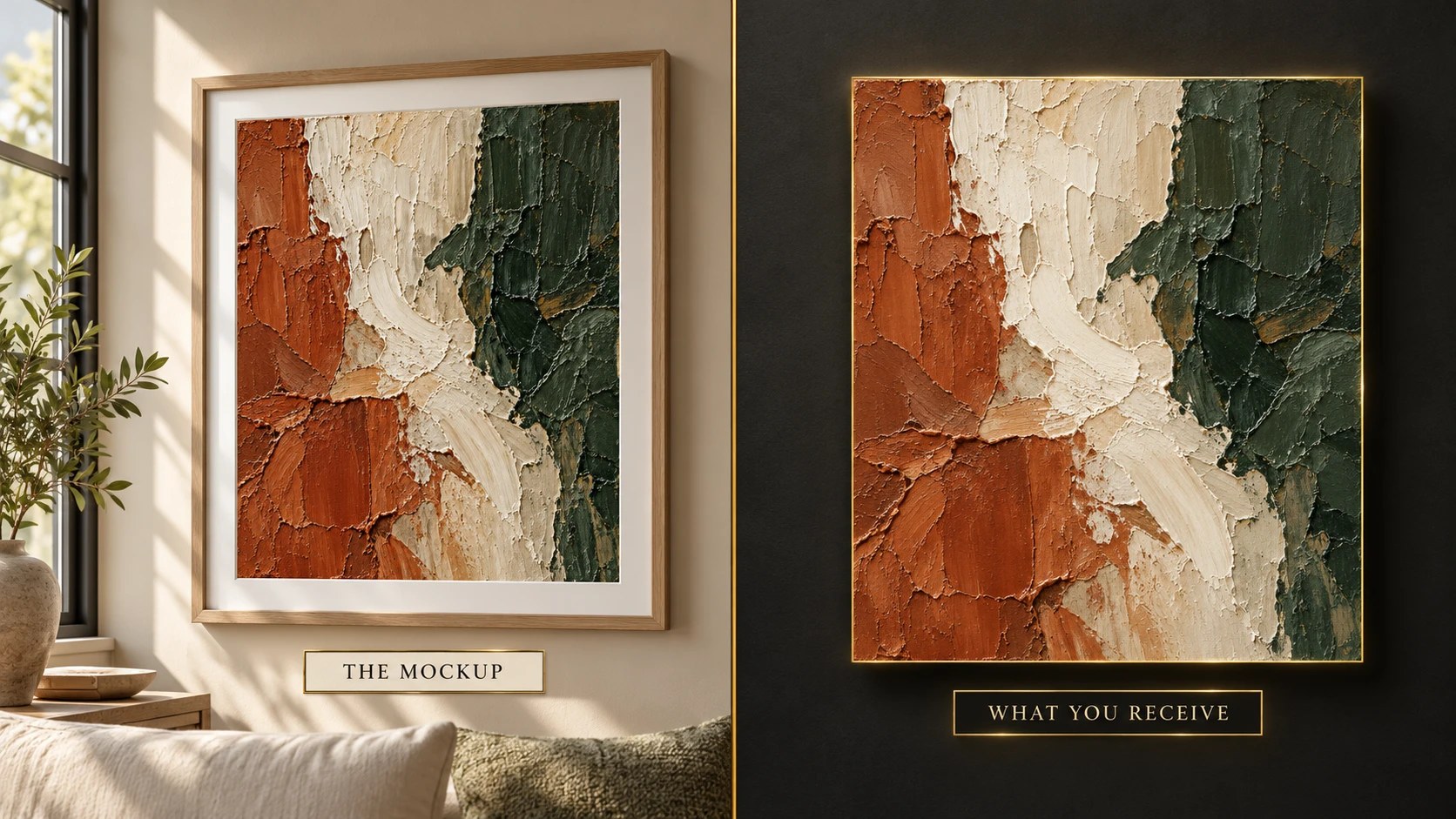
My listing photos were all framed mockups: the art in a frame, on a wall, looking cozy. Nice for selling. Not exactly “the content buyers will receive.”
So every listing now has a second photo showing the actual print file, flat, no frame, no wall, with a simple label: “What you’ll receive. Digital download. Frame not included.”
The framed mockup still goes first because that’s what sells and Etsy crops your first photo into a square for search results anyway. The preview goes right after it.
Bonus: it also protects you from the “this doesn’t look like the picture” refund case, because the buyer literally saw the file.
2. Added one line to every description
Etsy recommends noting when images are edited. So every description now includes:
“Listing mockups are digitally created to show how the print may look framed. The flat preview shows the actual artwork you will receive.”
Two sentences. Zero ambiguity.
3. I click Publish myself
New listings get prepped and saved as drafts. Then I review each one and hit Publish personally.
Does that take an extra 30 seconds per listing? Yes.
Do I sleep better knowing every single listing has a human sign-off? Also yes.
Did Anything Break?
Not really, but it wasn’t instant either.
Updating the existing listings meant uploading a new preview image, dragging it into the second photo slot and editing the description on each one. Etsy’s photo reordering is about as cooperative as a cat at bath time, so this took longer than I expected.
My advice: if you have a lot of listings, batch them. Make all your preview images first, put them in one folder with clear names, then knock out the edits in one sitting.
What Digital Print Sellers Should Do Right Now
If you sell AI-made digital prints on Etsy, here’s the checklist:
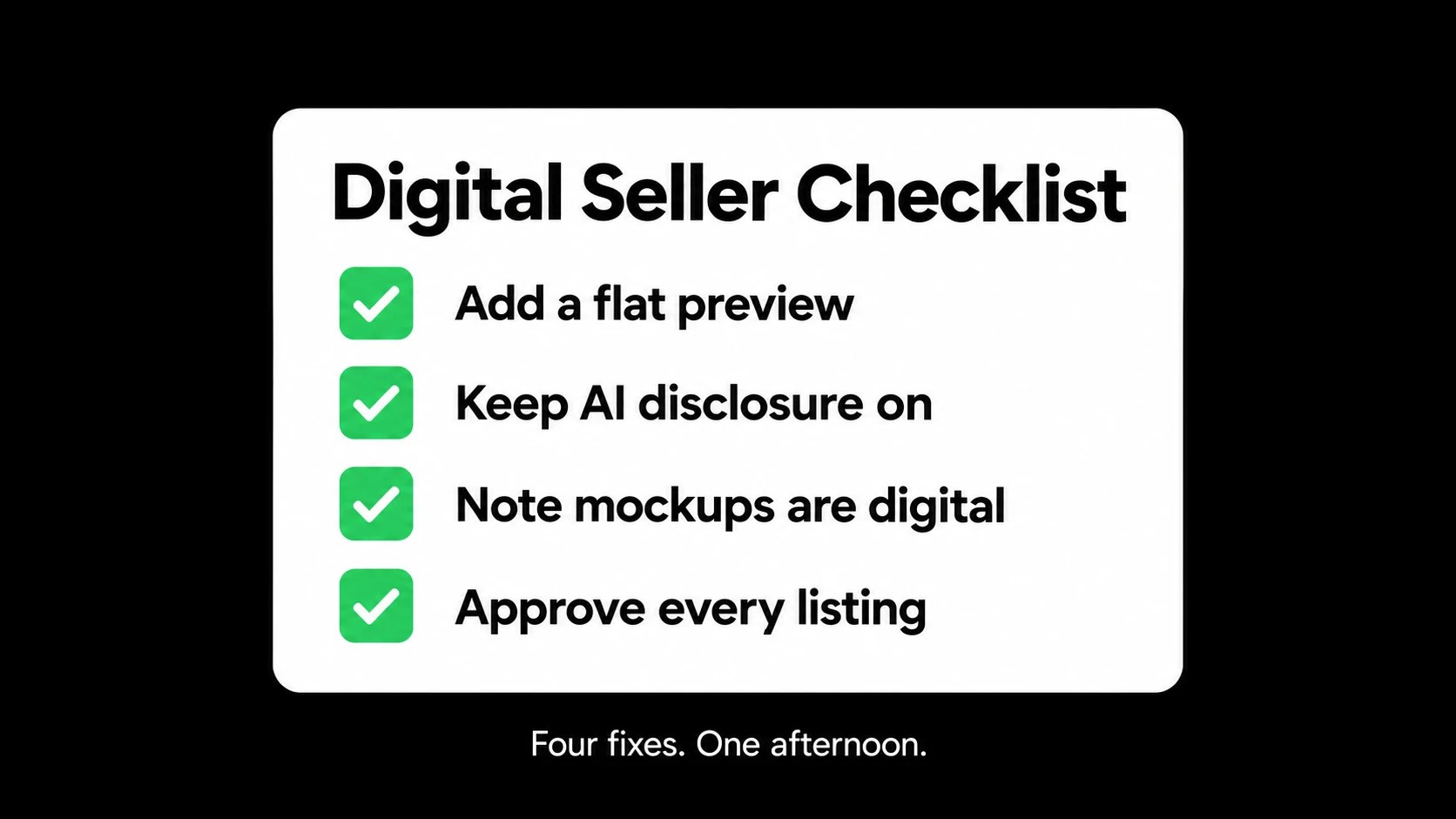
- Add a flat preview of the actual file to every listing
- Keep your AI disclosure on, both in the listing settings and the description
- Mention that mockups are digitally created somewhere in your description
- Make sure your first photo is accurate, not just pretty
- Stay involved in every listing, especially if you use automation tools
- Re-read the policy every few months, because it’s going to change again
None of this is hard. Most of it is just being upfront with buyers, which honestly should have been the standard all along.
Final Thoughts
When a platform you depend on changes the rules, the instinct is to panic.
I get it. I definitely felt it.
But the actual Etsy AI policy, once I read the whole thing, wasn’t trying to kill AI art. It was trying to stop sellers from tricking buyers. If you’re showing people exactly what they’re getting and you’re honest about how it was made, you’re on the right side of it.
Read the whole policy, not just the scary sentence.
Then go add some preview images.
Dom
Frequently Asked Questions
Is AI art allowed on Etsy in 2026?
Yes. Etsy allows AI-generated art when the seller plays a clear creative role and discloses that AI was used. AI work can’t be presented as handmade or entirely the seller’s own creation.
Do digital downloads need an unedited photo under Etsy’s new policy?
No. Etsy’s Listing Image Requirements say digital downloads should include a visual preview or excerpt of the content buyers will receive. The unedited real-world photo rule applies to most physical products.
What are bot-generated listings on Etsy?
Listings created by automated tools without any human involvement. Etsy now removes these, and shops that use them can be removed from the platform.
Can buyers report AI images on Etsy?
Yes. Etsy added a new reporting option for listings that may use misleading AI imagery. Etsy says these reports won’t lead to immediate enforcement at first.
What happens if my Etsy listing photos don’t match the item?
If a buyer opens a case because the item is materially different from the listing, Etsy may refund the buyer and you may be responsible for the refund amount.